Install
xplor needs a few components available on Github:
Download the sources
Download or clone xplor
Don’t know what is ‘clone’? If you ‘clone’ with git instead of ‘download’ it will be very straightforward to obtain new versions of XPLOR in the future. All what you need to know is the following:
- on Windows you need to install git from https://git-scm.com/download/win (git is already included on linux and OSX)
- to download a folder, type e.g. git clone https://github.com/XplorMatlab/xplor
- to update a folder with the latest version, go inside the folder and type git pull.

Try
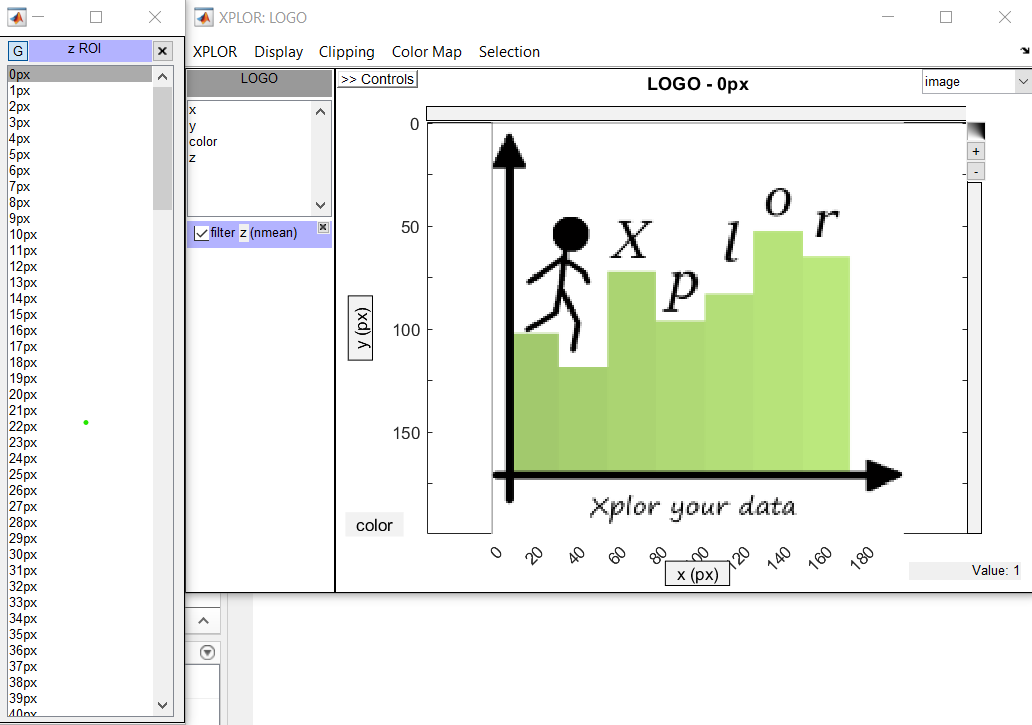
Try to start xplor by typing:
xplor
in the commandline. It will load a default dataset.
To load your own dataset :
xplor my_data
Where my_data is the name of your own data variable.